Every developer eventually ends up with a setup that just fits. Not because someone told them to use it, but because they tried a bunch of stuff and slowly figured out what gets out of their way.
That’s really what a good setup is about. Less friction. Fewer distractions. Less time fighting your tools and more time actually building things.
I’m not going to pretend this list is some universal truth. It’s just what works for me. Your setup might look completely different and be just as good, or better. But here’s mine, and why I stick with it.
1. Linux
I’ve used Linux as my main OS for years now, and I don’t see myself going back.
The biggest reason is control. Everything on my system is there because I put it there. Nothing is hidden behind a settings menu three layers deep. If I want to change how something works, I can.
Being open source matters more than people give it credit for. I can actually see what’s running on my machine. I can read the source of the tools I depend on. That transparency builds trust in a way closed systems never really do.
Package managers are another huge win. Installing, updating, and removing software is fast and predictable. No hunting for installers, no weird leftover files. Just a command and it’s done.
The shell is where a lot of the magic happens. Once you get comfortable scripting your own workflows, you start automating things you didn’t even realize were repetitive. Renaming files, setting up projects, deploying stuff. It all becomes a script instead of a chore.
And customization is basically endless. Every part of the environment can be shaped around how you actually think and work, instead of forcing you to adapt to some default experience someone else designed.
For development specifically, it just feels like the OS was built with developers in mind. Everything from the terminal to the file system layout supports the way we work.
2. Tmux
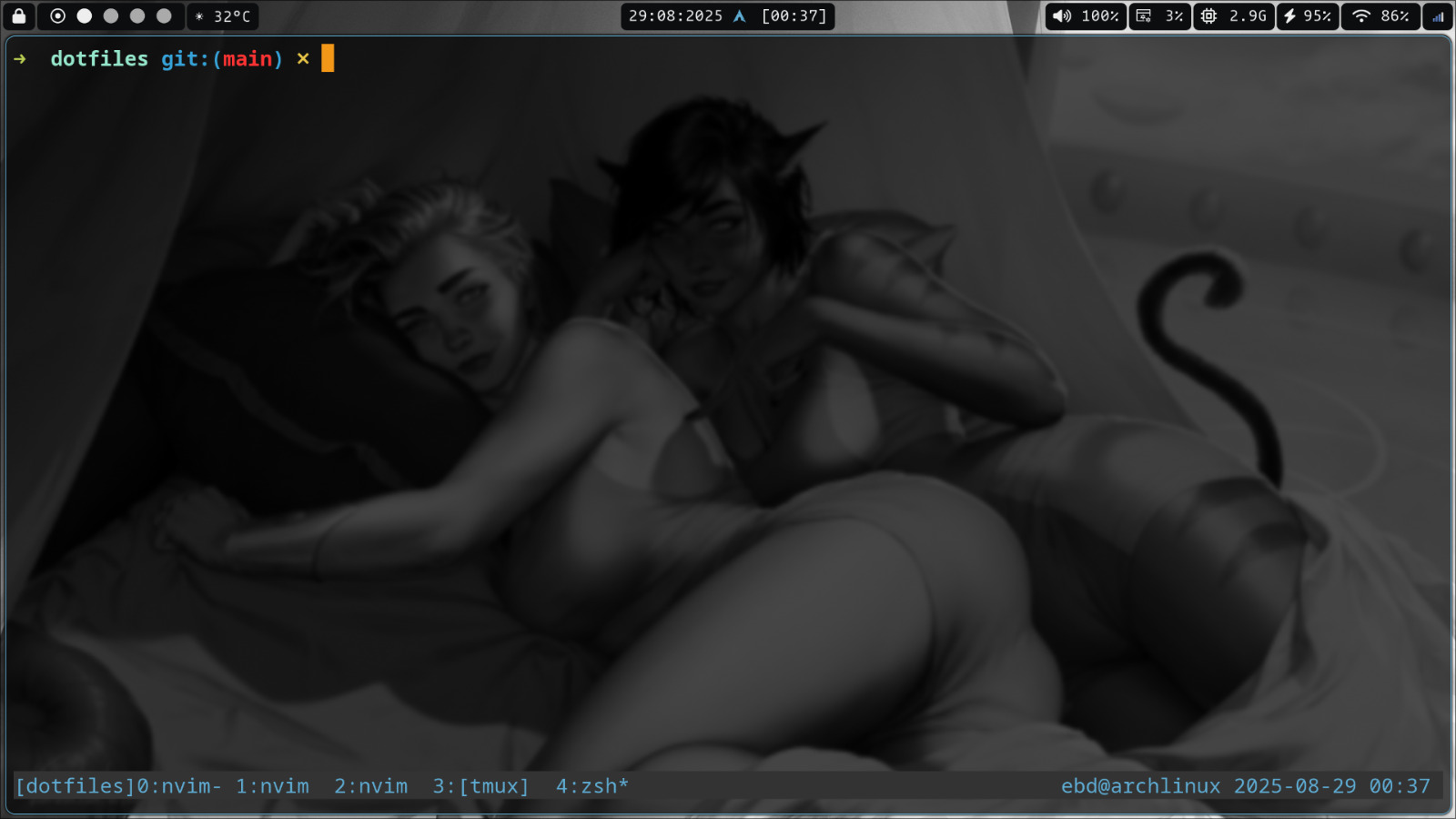
A terminal multiplexer is one of those tools you don’t fully appreciate until it becomes part of your daily workflow.
I use it to keep multiple terminal sessions running in a single window. Instead of opening separate terminals for my editor, server, logs, and Git, everything lives in neatly organised panes and windows.
One of my favourite features is session persistence. I can detach from a session, come back hours later, and everything is exactly where I left it. Whether it’s a long-running build, a development server, or an SSH connection, I never have to start over.
It also makes remote development much more comfortable. I can SSH into a server, start a session, disconnect, and reconnect later without interrupting anything that’s running.
Over time, switching between panes and windows using only the keyboard has become second nature. It keeps my hands where they belong and helps me stay focused instead of constantly juggling terminal windows.
It’s one of those small workflow improvements that doesn’t seem like much at first, but once you start using a terminal multiplexer every day, it’s surprisingly difficult to work without one.
3. Neovim
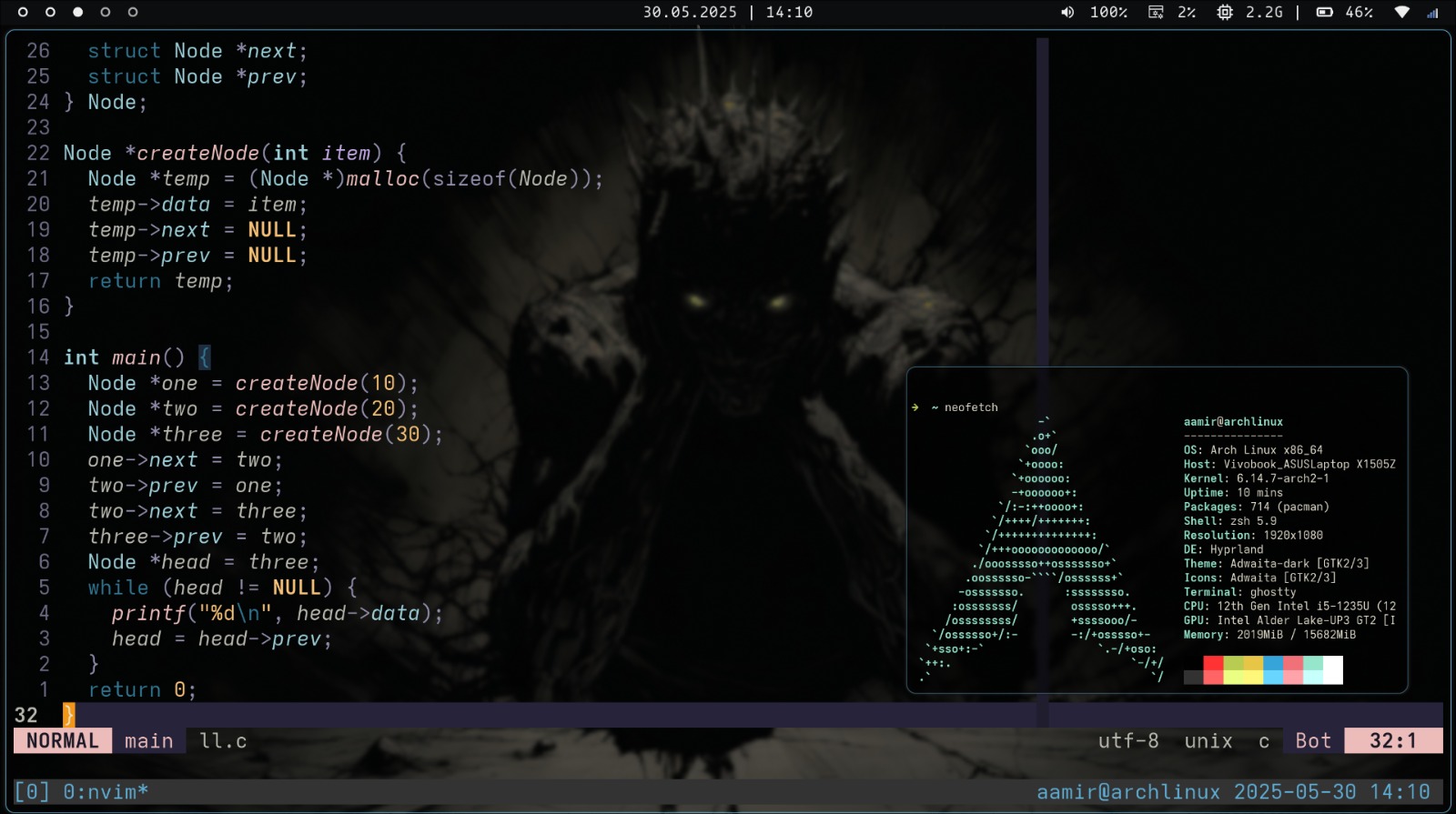
Neovim is where I spend most of my day, and switching to a keyboard-first workflow changed how I write code.
Not touching the mouse sounds like a small thing until you actually experience it. Moving between files, jumping to definitions, searching, editing, all of it happens without your hands ever leaving the keyboard. It sounds minor, but it adds up to a huge difference in speed over a full day of coding.
Performance is another reason I stick with it. It starts instantly and stays fast, even with a lot of plugins loaded. There’s no lag between thinking and typing.
The plugin ecosystem is honestly incredible. Whatever workflow you’re imagining, someone has probably already built a plugin for it, and if not, it’s simple enough to write your own.
LSP support means I get proper autocompletion, diagnostics, and go-to-definition, the same stuff you’d expect from a heavier IDE, but without the bloat.
Treesitter makes syntax highlighting and code understanding way more accurate, which sounds small but really improves how the code feels to read and navigate.
The thing is, once you get used to this workflow, using a regular editor feels slow. Reaching for the mouse, waiting for windows to load, clicking through menus. It all starts to feel like unnecessary overhead.
4. Hyprland
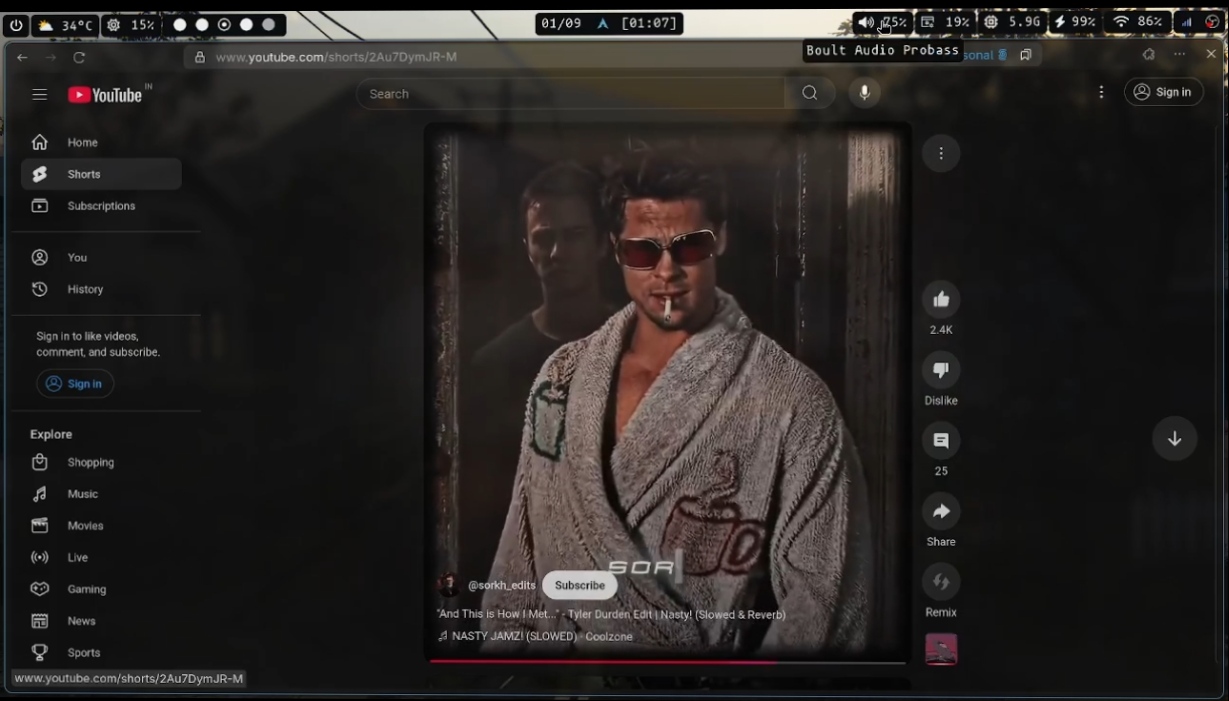
This is probably the part of my setup I talk about the most, because it changed the way I use my computer day to day.
Hyprland is a tiling window manager, which means windows arrange themselves automatically instead of me dragging them around and resizing them manually. Once you get used to tiling, going back to a traditional desktop layout feels clunky.
Like Neovim, the whole point is keyboard-driven interaction. Opening apps, switching between them, moving windows around, resizing, all of it happens through keyboard shortcuts. My hands rarely leave the keyboard, which keeps my focus in the flow instead of breaking it every few seconds to grab the mouse.
Workspaces are a big part of this too. I keep different projects and contexts on separate workspaces, so switching between “writing code,” “testing in the browser,” and “checking docs” is just a keystroke away. No hunting through a taskbar full of windows.
Because it’s built on Wayland, everything feels more modern and responsive compared to older setups. Screen tearing and weird rendering issues are pretty much gone.
The animations are smooth, and I know that sounds like a purely cosmetic thing, but there’s something about a snappy, fluid environment that makes the whole experience feel less tiring. Small delays and stutters add up over a long day, and a system that feels responsive just makes everything more pleasant to use.
The desktop itself stays clean too. No icons scattered everywhere, no clutter. Just the windows I need, arranged the way I want them.
Multitasking genuinely improves with this setup. Jumping between a terminal, an editor, and a browser takes almost no effort, so I stay in whatever task I’m doing instead of losing my train of thought.
One thing I’ll admit, just for fun, is that I really like using transparent windows. They look great in screenshots, and yeah, they look good on Instagram too. But it’s not just about looks. Having a bit of transparency lets me glance at what’s behind a window without switching focus, which actually helps in practice. It’s a nice bonus on top of an already productive setup, not the reason I use it.
At the end of the day, the real value of Hyprland isn’t how it looks. It’s how much less friction there is in getting from one task to the next.
5. curl
For quick API testing, I almost always reach for curl instead of opening something like Postman.
It’s lightweight. No extra app to open, no UI to click through, no waiting for a heavy program to load just to send one request.
It’s also installed almost everywhere by default, so I know it’ll work the same way on any machine I’m on, whether that’s my laptop, a server, or someone else’s system.
For quick testing, nothing beats typing a request straight into the terminal and seeing the response immediately.
Debugging is easier too. I can see exactly what’s being sent and exactly what comes back, without any abstraction in between.
And because it’s just a command, it’s fully scriptable. I can chain requests together, throw them into a bash script, or automate a whole testing flow without needing anything else.
Here’s an example of a login request I run all the time when testing an API locally:
curl -X POST http://localhost:3000/api/login \
  -H "Content-Type: application/json" \
  -d '{
    "email":"user@example.com",
    "password":"password123"
  }'
And for a quick GET request to check a list of users, it’s as simple as this:
curl http://localhost:3000/api/usersNo extra setup, no saved collections, no syncing between devices. Just a command that does exactly what I ask it to.
Final Thoughts
None of this is meant to be the “correct” way to set things up. There’s no such thing, really. Every developer’s ideal setup depends on how they think, what kind of work they do, and honestly, what they’re used to.
This is just what works for me. Linux gives me control. Termux keeps me connected even when I’m away from my laptop. Neovim keeps my hands on the keyboard. Hyprland keeps my workflow fast and my desktop uncluttered. And curl keeps API testing simple without any unnecessary overhead.
The best development setup isn’t the one with the fanciest tools. It’s the one that lets you forget about the tools and focus on building.